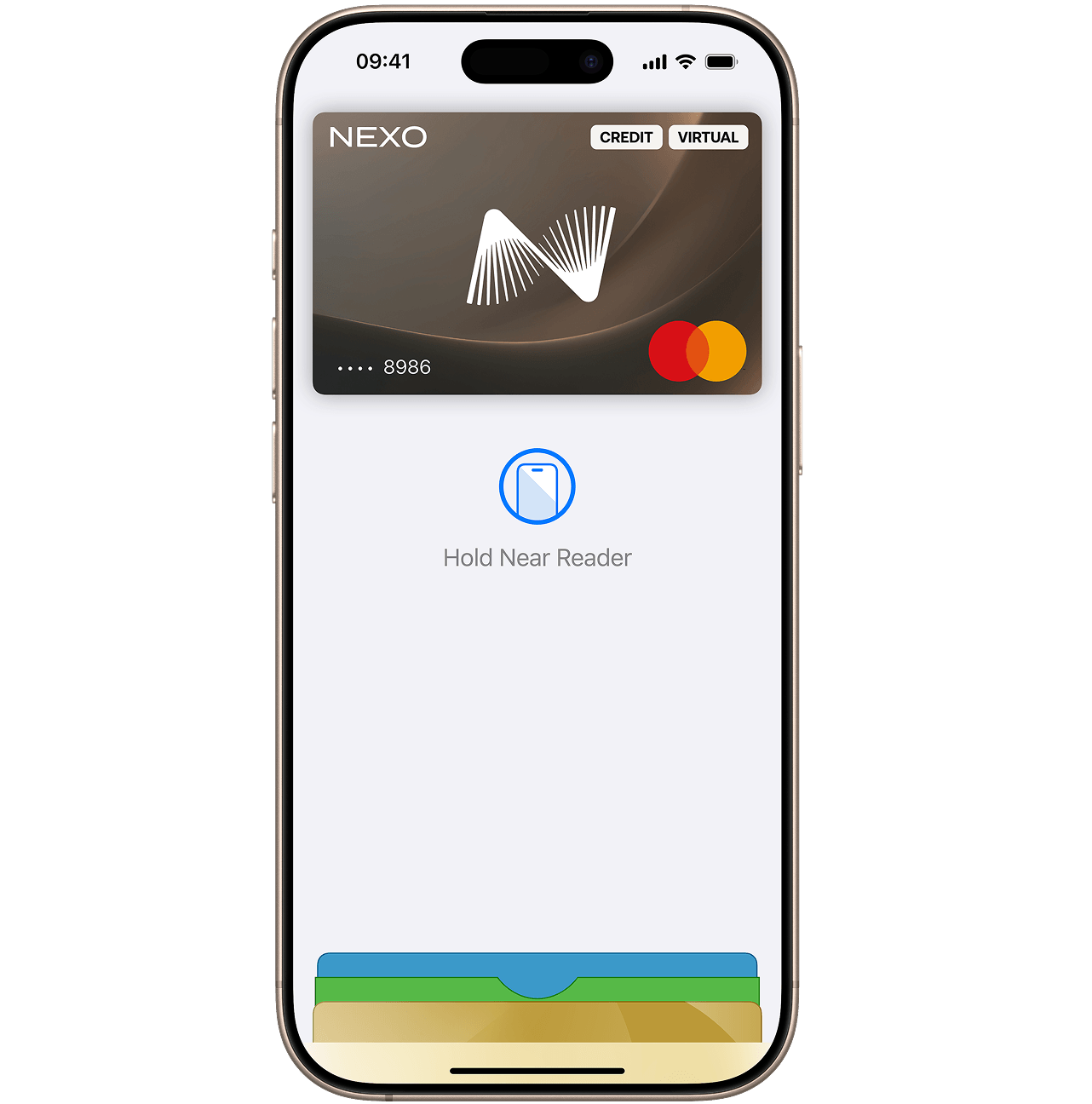
iPhone’ingiz — bu sizning Nexo Card’ingiz.
Apple Pay — do‘konlarda, onlayn va hatto sevimli ilovalaringizda Nexo Card orqali to‘lashning oson, xavfsiz va maxfiy usulidir. Apple qurilmalaringizda mavjud.

Apple Pay — do‘konlarda, onlayn va hatto sevimli ilovalaringizda Nexo Card orqali to‘lashning oson, xavfsiz va maxfiy usulidir. Apple qurilmalaringizda mavjud.
Nexo Card’ingizni Apple Pay’ga qo‘shish juda oson. Buni qanday qilish kerak:
Mos qurilmalarning to‘liq ro‘yxati bilan tanishish uchun Apple qo‘llab-quvvatlash xizmati sahifasiga tashrif buyuring.
iPhone’ingizda Apple Wallet’ni oching, Nexo Card’ingizni bosib ushlab turing va shunchaki uni oldingi qatorga suring.
Yo‘q. Nexo Card’ingizni Nexo ilovasidan muzlatib qo‘ysangiz, Apple Pay orqali u bilan to‘lovlarni amalga oshira olmaysiz.
Siz kartangizni Nexo ilovasidan darhol muzlatib qo‘yishingiz mumkin. Bunday qilsangiz, Apple Pay orqali to‘lov qilish uchun telefoningizdan foydalana olmaysiz.
Kartangizni topsangiz, uni Nexo ilovasidan muzlatishdan chiqarishingiz va Apple Pay’dan qayta foydalanishingiz mumkin.
Almashtirish uchun yangi karta buyurtma qilmoqchi bo‘lsangiz, yangi kartani qo‘shishingiz va eskisini Apple Wallet’dan o‘chirib tashlashingiz kerak bo‘ladi.
Apple Pay’dan kontaktsiz to‘lovlarni qabul qiladigan har qanday joyda, jumladan butun dunyo bo‘ylab jamoat transportida, do‘konlarda, restoran va kafelarda foydalanish mumkin.
Ha, bo‘ladi. To‘lovni rasmiylashtirishda to‘lov usuli sifatida shunchaki Apple Pay’ni tanlang va Nexo Card’ingiz bilan tez hamda xavfsiz to‘lang.
iPhone, Apple Watch, iPad va Mac qurilmalari uchun batafsil bosqichma-bosqich ko‘rsatmalarni to‘liq qo‘llanmamizda ko‘ring: Nexo Card’imni Apple Wallet’ga qanday qo‘shaman?