iPhone anda ialah Nexo Card anda.
Apple Pay ialah cara yang mudah, selamat, dan peribadi untuk bayar dengan Nexo Card anda—di kedai, dalam talian, dan juga dalam aplikasi kegemaran anda. Tersedia pada peranti Apple anda.

Apple Pay ialah cara yang mudah, selamat, dan peribadi untuk bayar dengan Nexo Card anda—di kedai, dalam talian, dan juga dalam aplikasi kegemaran anda. Tersedia pada peranti Apple anda.
Menambahkan Nexo Card anda ke Apply Pay adalah mudah. Inilah caranya:
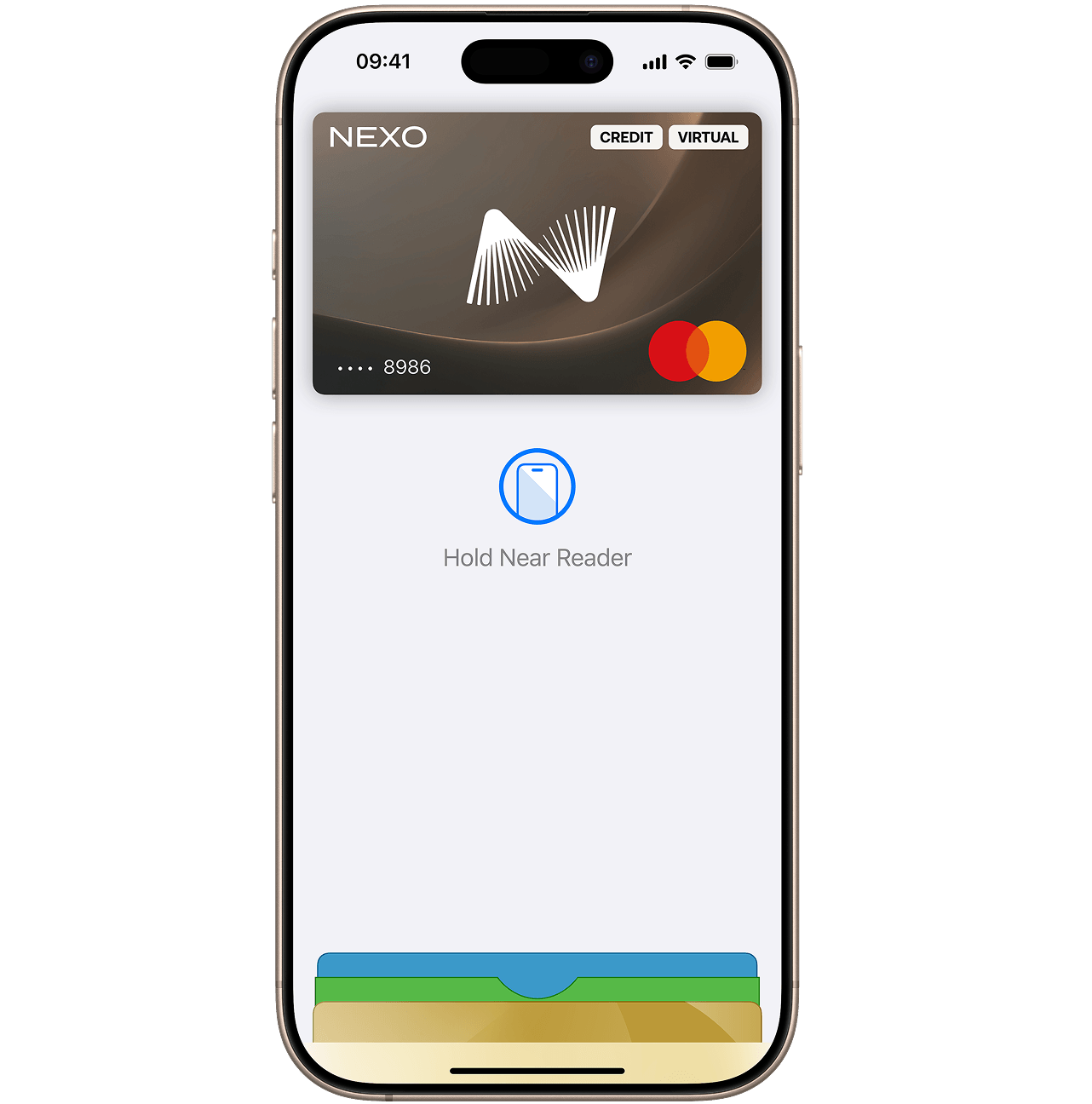
Untuk senarai lengkap peranti yang serasi, layari Sokongan Apple.
Buka Apple Wallet pada iPhone anda, pegang Nexo Card anda dan hanya seretnya ke hadapan.
Tidak. Jika anda membekukan Nexo Card anda daripada aplikasi Nexo, anda tidak akan dapat membuat pembayaran dengannya melalui Apple Pay.
Anda boleh membekukan kad anda serta-merta daripada aplikasi Nexo. Jika anda berbuat demikian, anda tidak akan dapat menggunakan telefon anda untuk membuat pembayaran melalui Apple Pay.
Jika anda menemui kad anda, anda boleh menyahbekukannya daripada aplikasi Nexo dan menggunakan Apple Pay semula.
Jika anda perlu membuat pesanan penggantian, anda perlu menambahkan kad baharu dan memadamkan kad lama daripada Apple Wallet anda.
Apple Pay boleh digunakan di mana-mana sahaja yang menerima pembayaran tanpa sentuh, termasuk pada pengangkutan dan di kedai, restoran serta kafe di seluruh dunia.
Ya, boleh. Hanya pilih Apple Pay sebagai kaedah pembayaran anda semasa semakan keluar dan bayar dengan pantas serta selamat menggunakan Nexo Card anda.
Untuk arahan langkah demi langkah yang terperinci bagi iPhone, Apple Watch, iPad, dan Mac, lihat panduan penuh kami: Bagaimanakah cara untuk saya menambahkan Nexo Card saya ke Apple Wallet?